











User Guide
Login & Password
Manage your Bibia247 account access securely, including log in, password reset, and sign out.
How to Log In
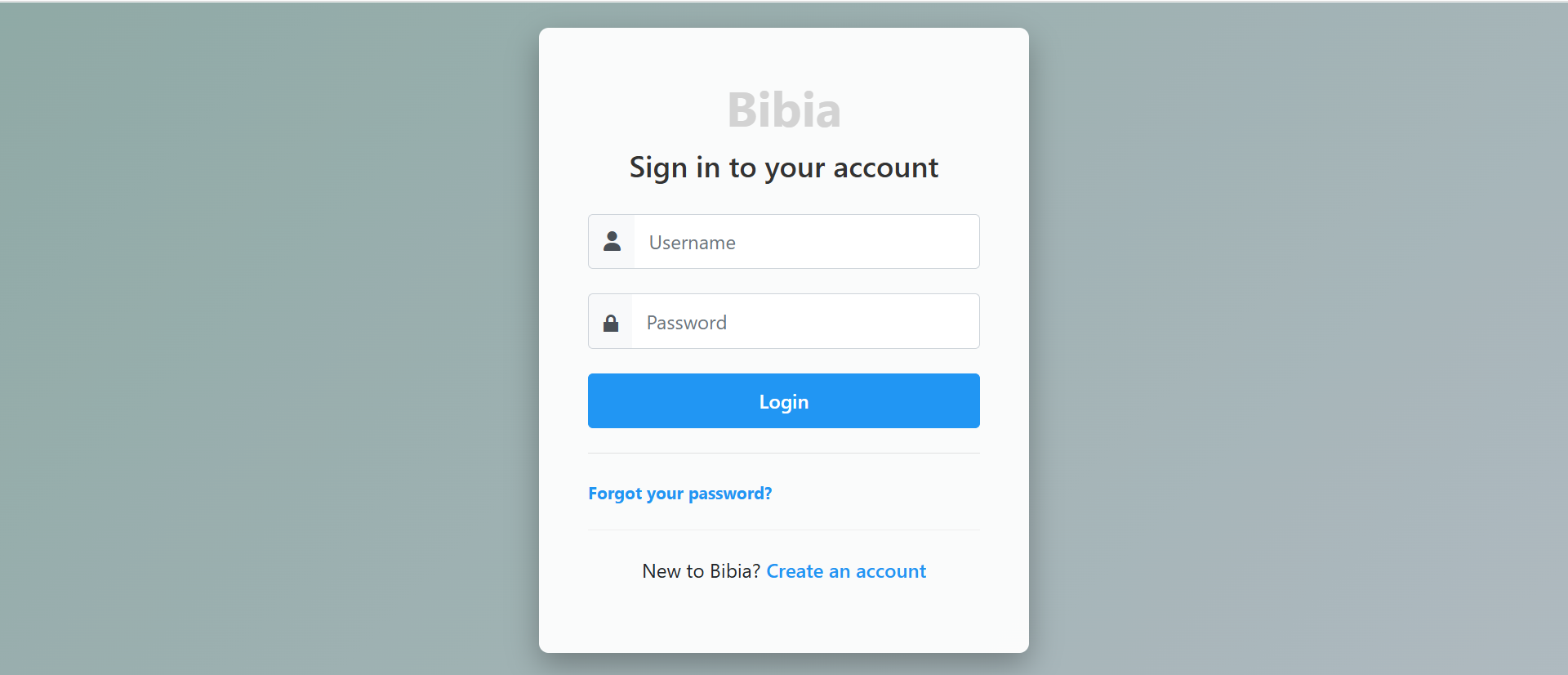
- Go to the Bibia247 website.
- Click Account at the top right corner of the page.
- Enter your Username or Email and Password.
- Click the Login button.
If the details are correct, you will be taken to My Account, where you can access your profile, orders, addresses, and settings.
Tips
- Always use the email address you registered with.
- Check your spam or junk folder if the reset email does not appear.
- Keep your password secure and private.
Need help with account access? Visit Support for direct assistance.