User Guide
Browsing Products
Users can browse and find products on the Bibia247 platform using the search bar, category menu, or by exploring product listings on the homepage.
Search Bar
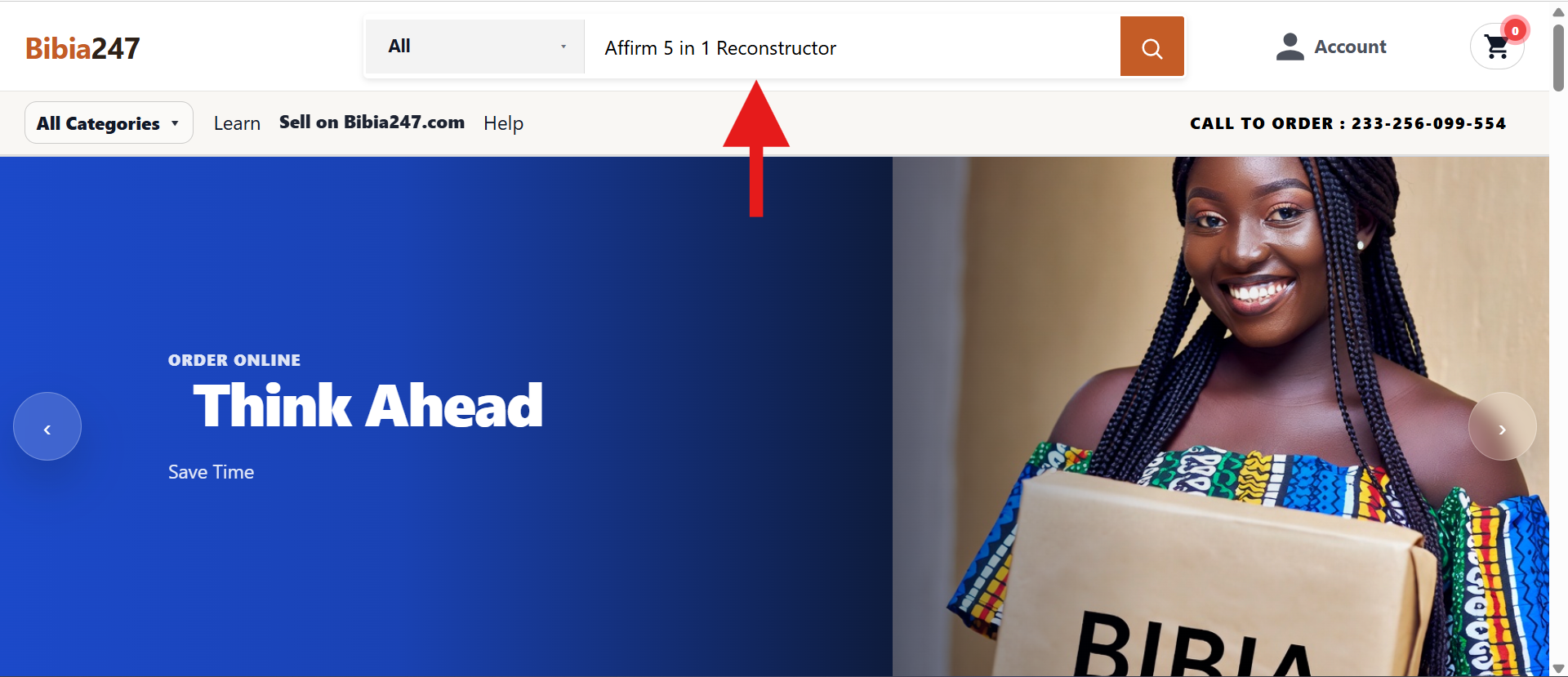
At the top of the page, users can search for products using the Search Bibia bar.
- Click inside the search field.
- Type the name of the product.
- Optionally choose a category from the dropdown.
- Click the search icon to display results.
Browse by Category

Users can also find products by browsing categories.
- Click All Categories in the navigation bar, or
- Scroll to the Shop by Category section on the homepage.
- Select a category such as:
Selecting a category will display all products within that category.
Product Details Page
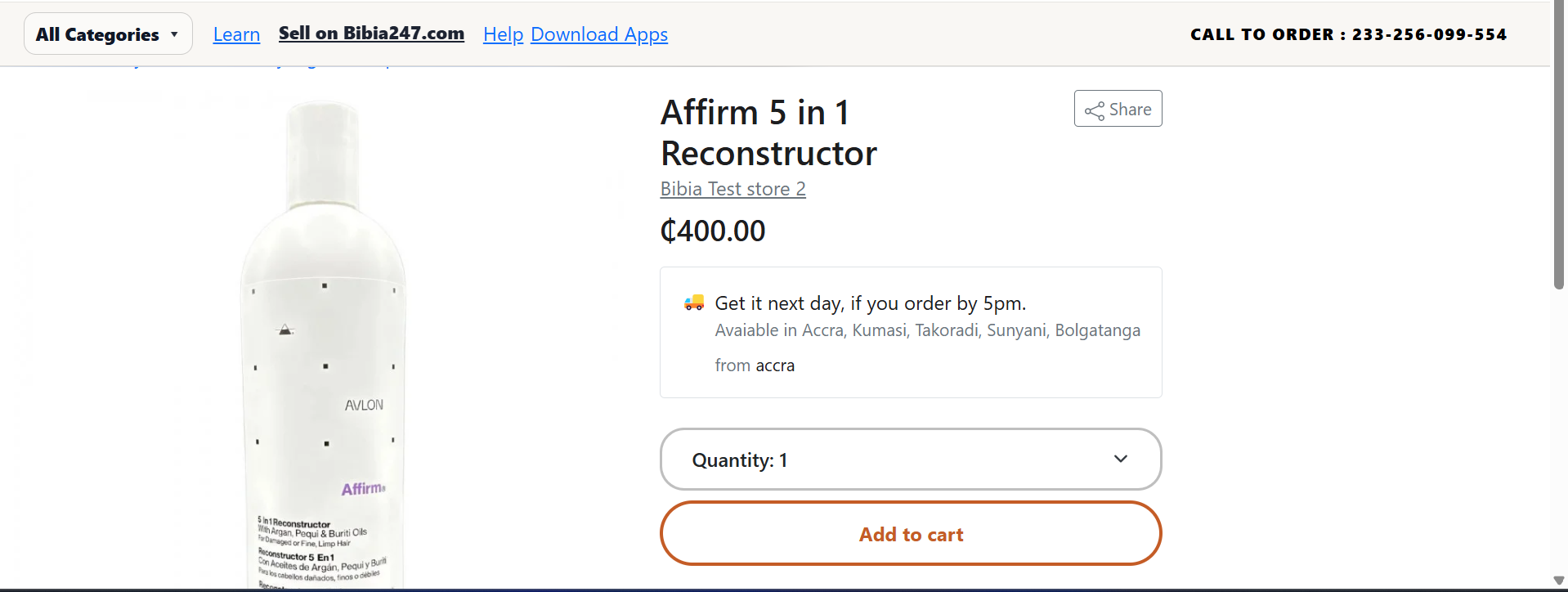
When a user clicks on a product, the Product Details Page opens with full item information.
Appears on the left side and shows a clear view of the item.
Name, seller or brand, and price. Example: Gold Bracelet Open Back Bezel - GHS 8.00.
Some items offer style or shape options. Users must select one before purchasing.
Use the Quantity dropdown to choose how many items to purchase.
Saves the item to the shopping cart for checkout later.